
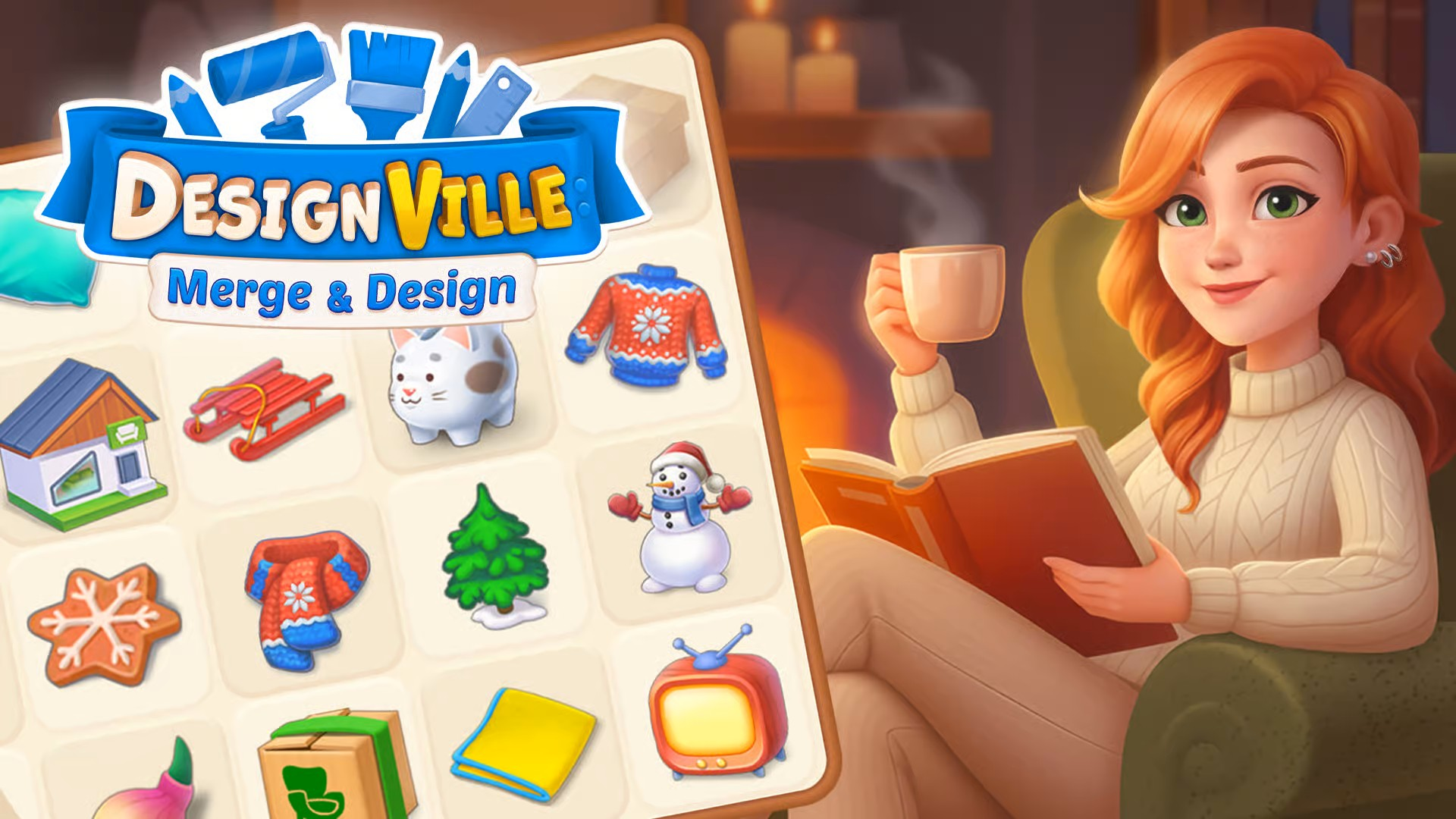
If you want to progress quickly in Designville and complete a rewarded mobile game offer, mastering how to unlock and upgrade your crafting tools is critical. This guide will help you understand the mechanics of tool progression, make smart upgrade choices, and avoid resource-draining mistakes so you can achieve efficiency—whether you’re a no-spend player or willing to invest a little. Read on for concrete strategies and milestone tips to reach your goals faster in Designville.
Understanding Tool Unlocks and Upgrades in Designville
In Designville, tools drive your ability to craft, merge, and complete designs. New and upgraded tools let you access higher-level tasks and objects, which translates into faster progress and bigger rewards. Knowing how to unlock each tool and what resources these unlocks cost will save you effort and help you plan long-term.
Typically, tool unlocks happen as you finish merge chains or hit specific gameplay milestones. For upgrades, you’ll need to collect crafting materials—usually by merging lower-tier items, fulfilling orders, or opening specific reward crates. Pay attention to the requirements for each tool. Some may require rare items or a set quantity of resources, so check your inventory and plan merges accordingly.
It’s best to upgrade tools in the order that matches your main bottleneck. For example, if certain merge branches slow you down, focus on unlocking and upgrading tools that feed those chains. Don’t waste resources upgrading a tool you seldom use. Instead, regularly review your in-game goals and align your upgrades with what earns you the most progress or customer satisfaction.
Resource Management: Efficient Ways to Farm Upgrade Materials
Resources are the lifeblood of tool upgrades. Managing your materials wisely ensures you never stall when an upgrade opportunity arrives. In Designville, energy, coins, and special crafting ingredients all come into play. Here’s how to optimize your approach:
- Prioritize Daily Tasks: Complete all available missions and side quests that offer crafting resources as rewards. These tend to refresh daily and provide a steady supply.
- Merge Smartly: Aim to merge for the highest tier possible each session, rather than wasting materials on inefficient merges. Let merge chains build up, so you get large upgrades in one go.
- Use Events: Participate in limited-time events that drop rare upgrade items. These typically offer higher rewards and can help you bypass slow progress stages.
- Claim Free Rewards: Always check for daily logins, ads, or in-game bonuses. Collect them, even if you don’t need the rewards immediately—stockpiling pays off at upgrade milestones.
As a no-spend or low-spend player, timing is everything. Log in regularly at key times, and avoid spending premium currency on random chests unless the tool upgrade you need is guaranteed inside. Save those resources for guaranteed progress paths.
Progression Milestones: Planning Your Tool Upgrades for Fast Advancement
To progress efficiently in Designville, you’ll want to hit important milestones as soon as possible. Upgrading tools strategically not only unlocks faster crafting, but also unlocks new merge options and higher reward tiers. Here’s a streamlined upgrade plan:
- Identify Bottlenecks: Watch for the merge chains or crafting stations that slow your progress. Upgrade tools related to these first.
- Stagger Upgrades: Don’t upgrade every tool at once—focus on one, then start the next. This helps avoid depleting all your resources and getting stuck.
- Leverage Upgrade Events: Use double-reward phases or special milestones to maximize returns. Some events make tool upgrades more efficient—plan your big upgrades around these windows if possible.
- Stay Goal-Oriented: Keep your current campaign, quest, or story goal front of mind. If the next goal requires a specific item, prioritize the tool that produces it or helps merge it.
An efficient upgrade path would be to focus on the basic tools first, such as your hammer or saw, then move to higher-tier niche tools that unlock advanced blueprints or rare decor items. Reinvest rewards from these upgrades into further upgrades, creating a snowball effect that speeds up progression overall.
Also, always plan tool upgrades around your immediate gameplay objectives. If you have a limited-time event or a set of customer orders to fulfill, upgrading a related tool can accelerate both your progress and your ability to earn in-game rewards. The benefits of targeting your upgrades this way become more visible over time as your efficiency improves with each strategic decision.
Mistakes to Avoid: Common Resource Traps When Unlocking and Upgrading Tools
A few missteps can set your progression back by days in Designville. To streamline your advancement, be wary of these common traps:
- Upgrading Tools Blindly: Don’t rush to upgrade a tool just because it’s available. Always ensure the upgrade fits your current strategic needs—sometimes it’s better to wait and use resources elsewhere.
- Ignoring Merge Depth: Focusing on small merges or partial merges wastes resources. Save up items and energy for big merges that yield substantial upgrade parts in one shot.
- Spending Premium Currency Randomly: Avoid spending gems or real currency on chests with uncertain results. If you do spend, make sure the reward pool includes guaranteed upgrade materials for a tool you need.
- Neglecting Free Rewards: Many players forget to claim daily, event, or ad-rewarded resources. Over time, missing these adds up to lost upgrade potential.
- Letting Inventories Overflow: Running out of space means losing materials. Merge regularly and clear out lower-tier clutter to keep resource flow optimal.
Diligence and patience are better than impatience in Designville. Always double-check upgrade requirements, and review your tool usage patterns before committing resources. If in doubt, observe which merge chains you use most and upgrade in that order.
It’s also important to avoid getting distracted by new features or limited-time offers that don’t align with your core progression goals. Some in-game promotions can drain your resources without meaningful advancement, so stay focused on your primary tool chains and planned upgrades.
No-Spend and Low-Spend Strategies for Tool Upgrades
If you’re playing Designville for free or with limited spending, maximizing every resource is essential. Here are a few practical strategies:
- Time Your Play Sessions: Log in when energy and free crates refresh. Plan merges when you have the most possible resources at hand.
- Ad-Boosted Rewards: Watch optional ads for double resource rewards or free energy to gain bonus upgrade materials without cost.
- Marketplace Efficiency: Only buy upgrade materials you absolutely need from the in-game shop, and only when you’re close to an upgrade milestone.
- Alt-Account or Social Boosts: If possible, connect with friends or community features for free gifts or resource boosts. Leverage these to fill in gaps for upgrades.
- Upgrade Tier Focus: Target tools that open up higher-tier merge branches—these have the biggest impact for the least resource cost over time.
If you are considering a small purchase, use it only for a timed upgrade boost or a guaranteed pack of upgrade materials. Always avoid loot box features unless you are certain they are the quickest path to your next milestone.
Sticking to these guidelines lets you stretch your resources much further and avoid the frustration associated with stalled progress from wasted purchases. Remember: slow and steady, with strategic use of free boosts, adds up to long-term progression even without real-money investment.
Synergy with City Layout and Decor for Better Tool Efficiency
Your city layout and decor choices can impact your progression speed by creating bonuses that accelerate crafting or tool efficiency. Position key workstations close together and decorate to trigger synergy perks—boosts that further enhance your tool output.
For detailed advice on optimizing your resource flow for upgrades, check out our in-depth guide on maximizing resource gains in Designville. Pairing strong tool upgrades with resource-efficient city design will multiply your speed and make milestone rewards easier to reach.
Additionally, the official Designville: Merge & Story website offers basic merging tips and information on updates, which can help you stay ahead with changes to the upgrade system. Knowledge of planned decor bonuses or workstation synergies—as announced on update logs—can sometimes help you decide which upgrades to pursue next, further increasing the efficiency of your crafting loops.
Conclusion: Mastering Tool Progression in Designville
Unlocking and upgrading tools efficiently is at the core of fast progression in Designville, especially for players pursuing time-limited rewards or competitive challenges. By focusing on strategic upgrades, smart resource usage, and tactical merges, you’ll avoid stalls and quicken your path to high-level gameplay. Remember to avoid common pitfalls, leverage synergy bonuses, and plan each step—so you’re always moving toward your next milestone with confidence and efficiency.